
Living Museum of Learning
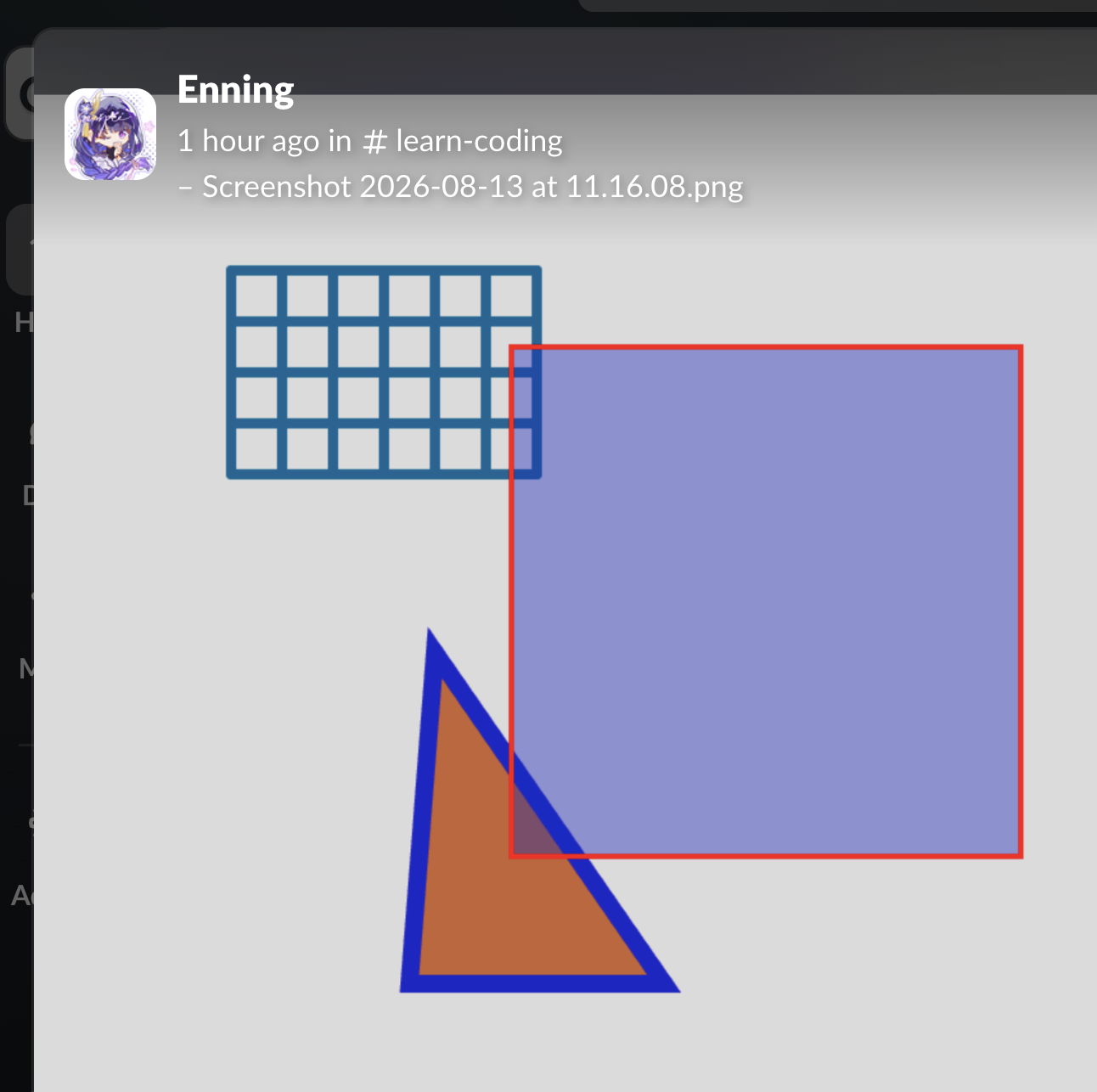
The Circles That Saved the Old Mac
We had an old Mac that could not install the Slack desktop app.
So we naturally assumed:
No Slack desktop → no remote class.
The old Mac wasn't available when we first considered testing another possibility, so the question remained open.
During Enning's class this morning, we noticed something strange.
All of Enning's circles were gone from the powerful new Mac.
Her circle programs had never actually been saved there, as far as we could tell.
But Enning remembered:
“Oh, my code is on the other Mac.”
She had saved her work in the online P5JS editor on the old Mac.
So she went to the old Mac, opened Slack in the browser, searched for the relevant work, and shared her screenshot.
Everything suddenly made sense.
The work wasn't lost.
It was simply on another computer.
And Donald suddenly realized:
Wait. Why do we actually need the Slack desktop app?
After ten years of remote teaching, Donald already knows what the classes actually use.
Browser Slack provides almost everything:
messages
files
screenshots
code
search
sharing work
communication with students
There is one recurring exception.
Every so often, right in the middle of a deep class, Donald wants to make a quick temporary markup on the student's shared screen:
“No markup!”
Then comes the familiar question:
“Do you use the browser instead of the desktop Slack?” 😂
It has happened repeatedly.
So the desktop Slack app isn't really the foundation of the class.
It is mainly a convenience for one small feature: Donald's temporary screen markup.
And after ten years of remote teaching, Donald can simply guide a student to make the markup:
“Draw a circle here.”
“Put an arrow there.”
“Highlight this line.”
Problem solved.
This gives us a surprisingly strong hypothesis:
Browser Slack may satisfy 99%+ of our remote-class requirements.
The old Mac itself has not yet been tested in a complete remote class, so this is not yet a verified technical conclusion.
But the workflow has been tested repeatedly in real classes.
The missing desktop feature is now understood well enough that it may not matter.
The original question was:
“Can this old Mac run Slack?”
The better question is:
“What does our class actually need from Slack?”
That change in the question may have saved the old Mac.
The Discovery
And the funniest part?
We discovered all this because Enning's circles were missing. 😂
Her new Mac didn't have them.
Her old Mac did.
And the old Mac could open Slack in a browser.
A student's missing circles became the clue that challenged an assumption about the entire teaching system.
Maybe the old Mac wasn't the problem at all.
What We Still Need to Test
The next step is simple:
Put the old Mac through an actual remote class.
If browser Slack works as expected, we will have learned something bigger than a Slack workaround:
A tool's desktop application is not necessarily a requirement.
The real requirement is the learning workflow.